A-Game Business Knowledge Base
Find quick answers, step-by-step setup, and tips for every module. Use the table of contents below to jump straight to what you need.
Table of contents
- 🚀01. Getting Started7 articles
- 📊02. Analytics & Reporting6 articles
- 🤖03. AngelAI — Your AI Business Assistant7 articles
- 🎯04. Strategy Module12 articles
- 📣05. Marketing Module21 articles
- 🤝06. CRM & Sales Pipeline25 articles
- 💰07. Finance, Invoicing & Quotes29 articles
- 📁08. Projects22 articles
- 🗓️09. Smart Calendar & Scheduler19 articles
- 🌐10. Digital Pages2 articles
- 🛒11. E-Commerce3 articles
- 👥12. Team & HR3 articles
- 📦13. Inventory3 articles
- 🏭14. Manufacturing2 articles
- 💬15. Messages & Channels2 articles
- 📞16. Call Tracking2 articles
- 📚17. Knowledge Base (internal)2 articles
- 🎓18. Learning2 articles
- 📖19. Books1 article
- ⚙️20. Organisation Settings & Account46 articles
- 🔐21. Role Access & Permissions16 articles
Getting Started
Set up your account, invite your team, and learn your way around the A-Game Business App.
Analytics & Reporting
Live business insights pulled from every module — your central reporting hub.
AngelAI — Your AI Business Assistant
Guided programmes for vision, strategy, sales and marketing — plus unlimited free conversation.
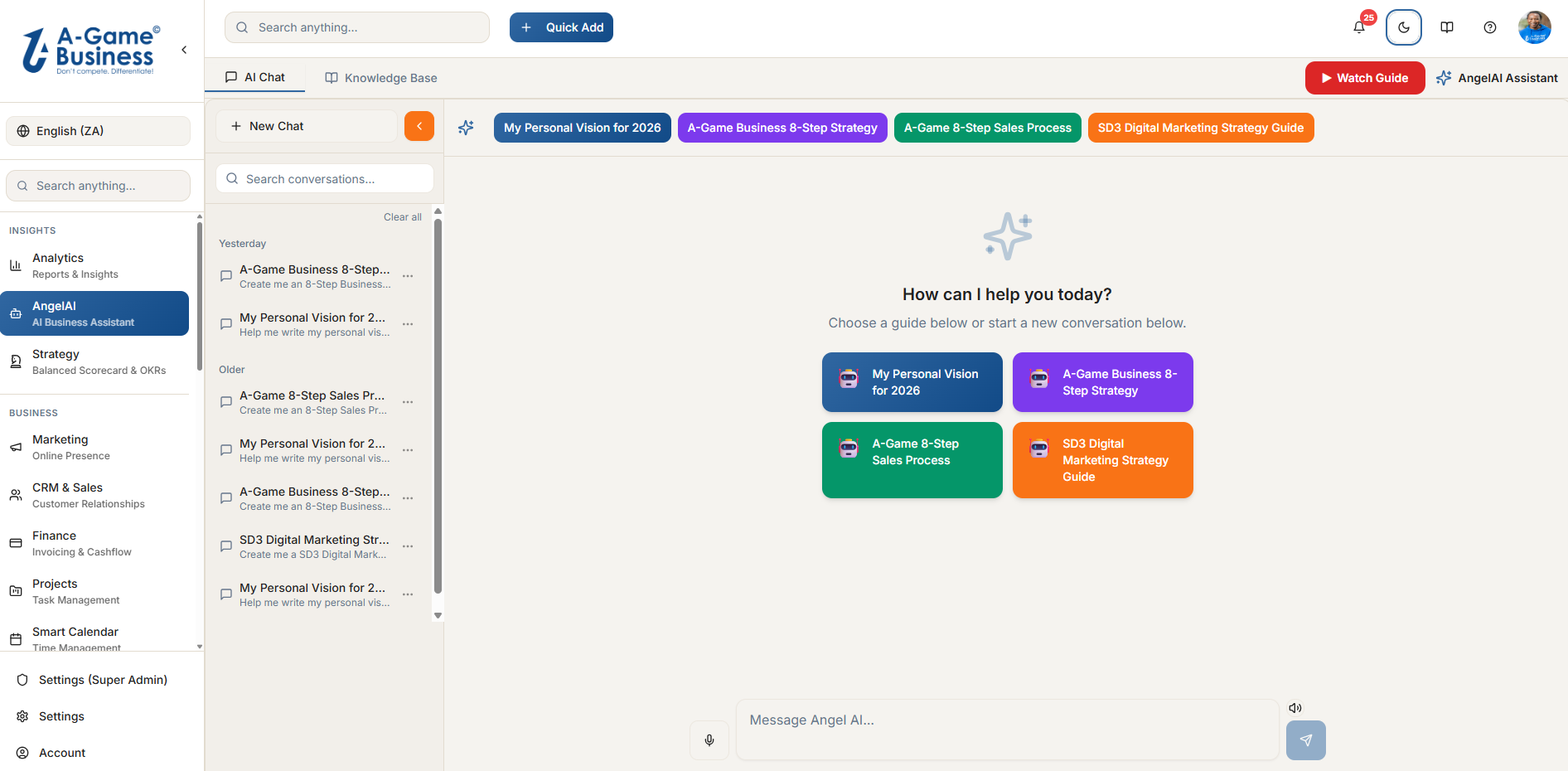
Strategy Module
Balanced Scorecard and OKRs that connect strategy to day-to-day performance.
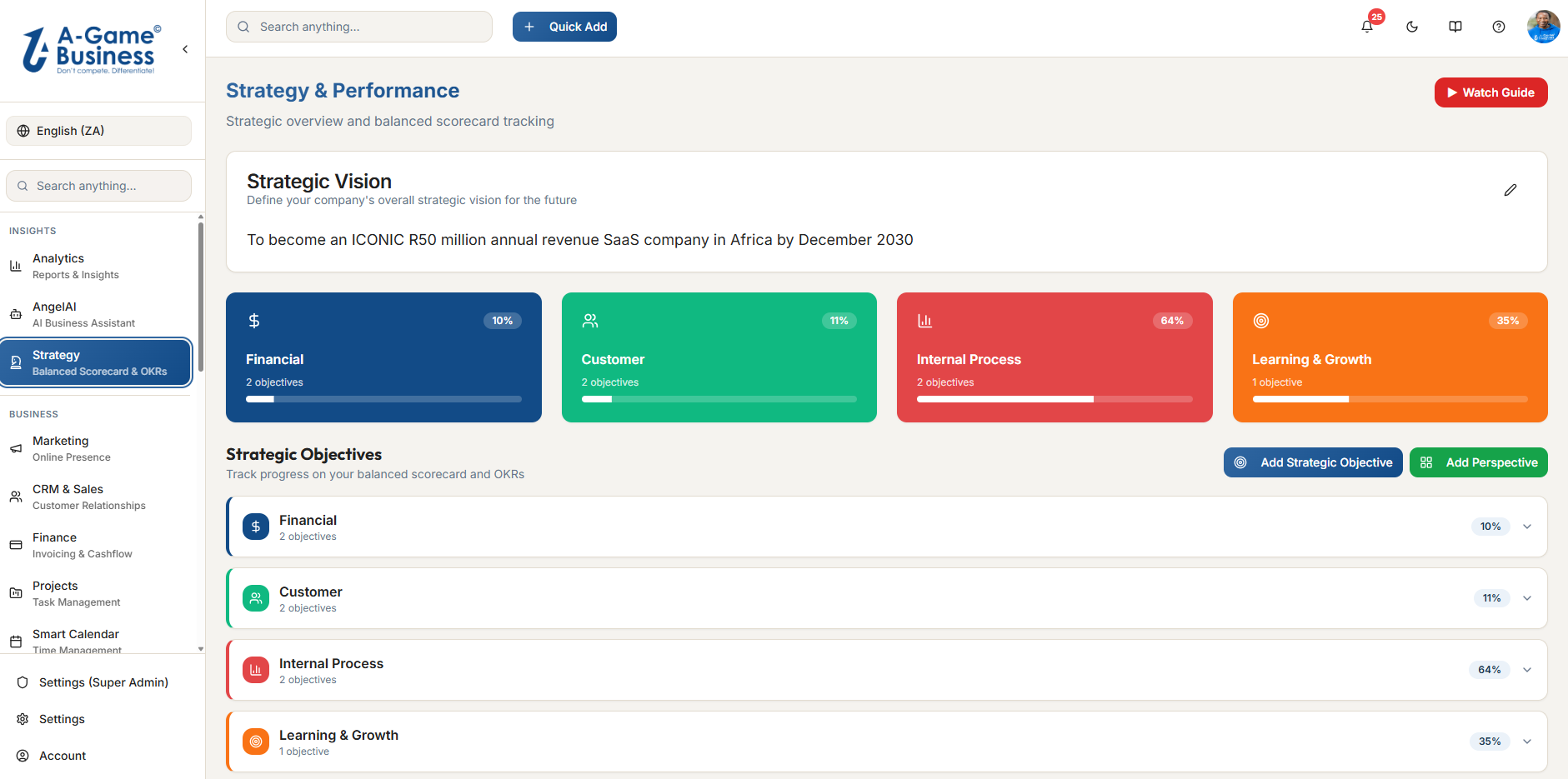
Marketing Module
Campaigns, forms, email, sequences and analytics — one connected engine for capturing leads, nurturing them, and tracking the result.
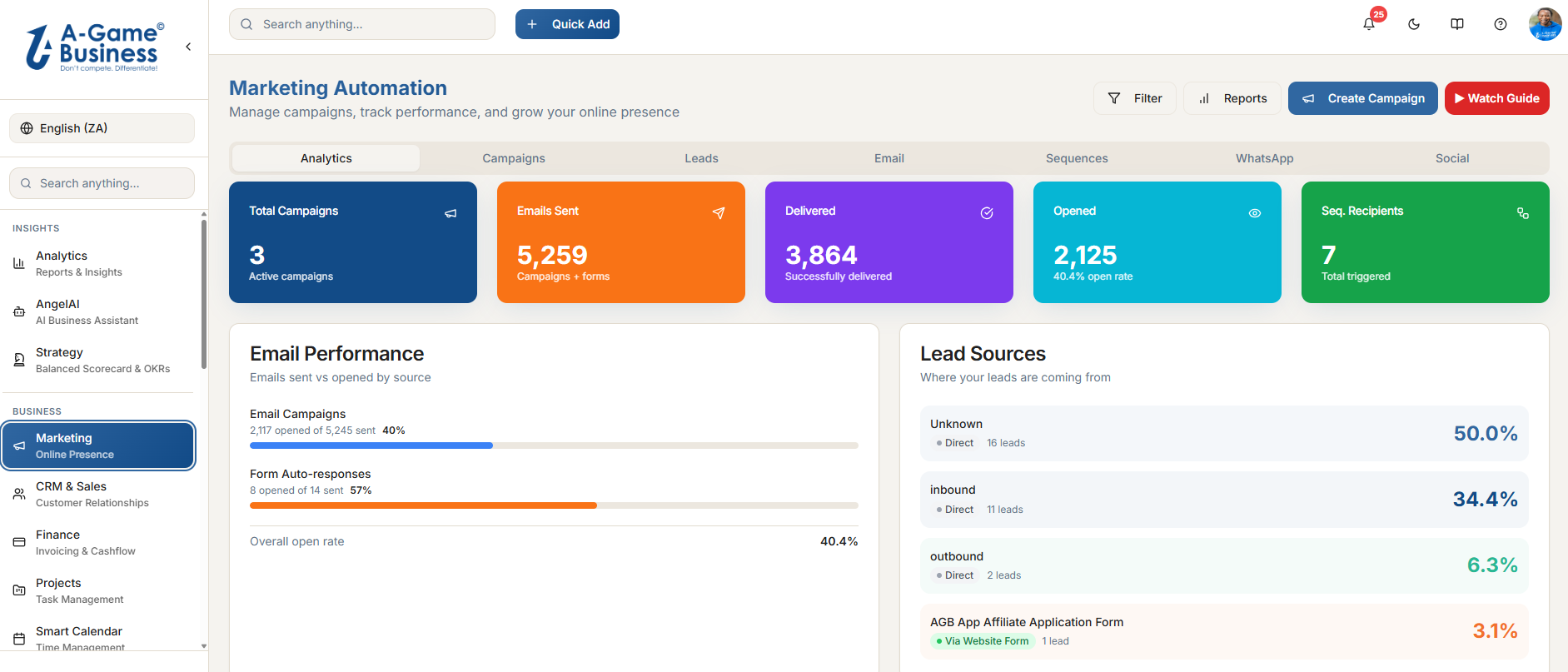
CRM & Sales Pipeline
Your central database of customers, suppliers and deals — every form, quote, invoice and interaction connected to a single contact record.
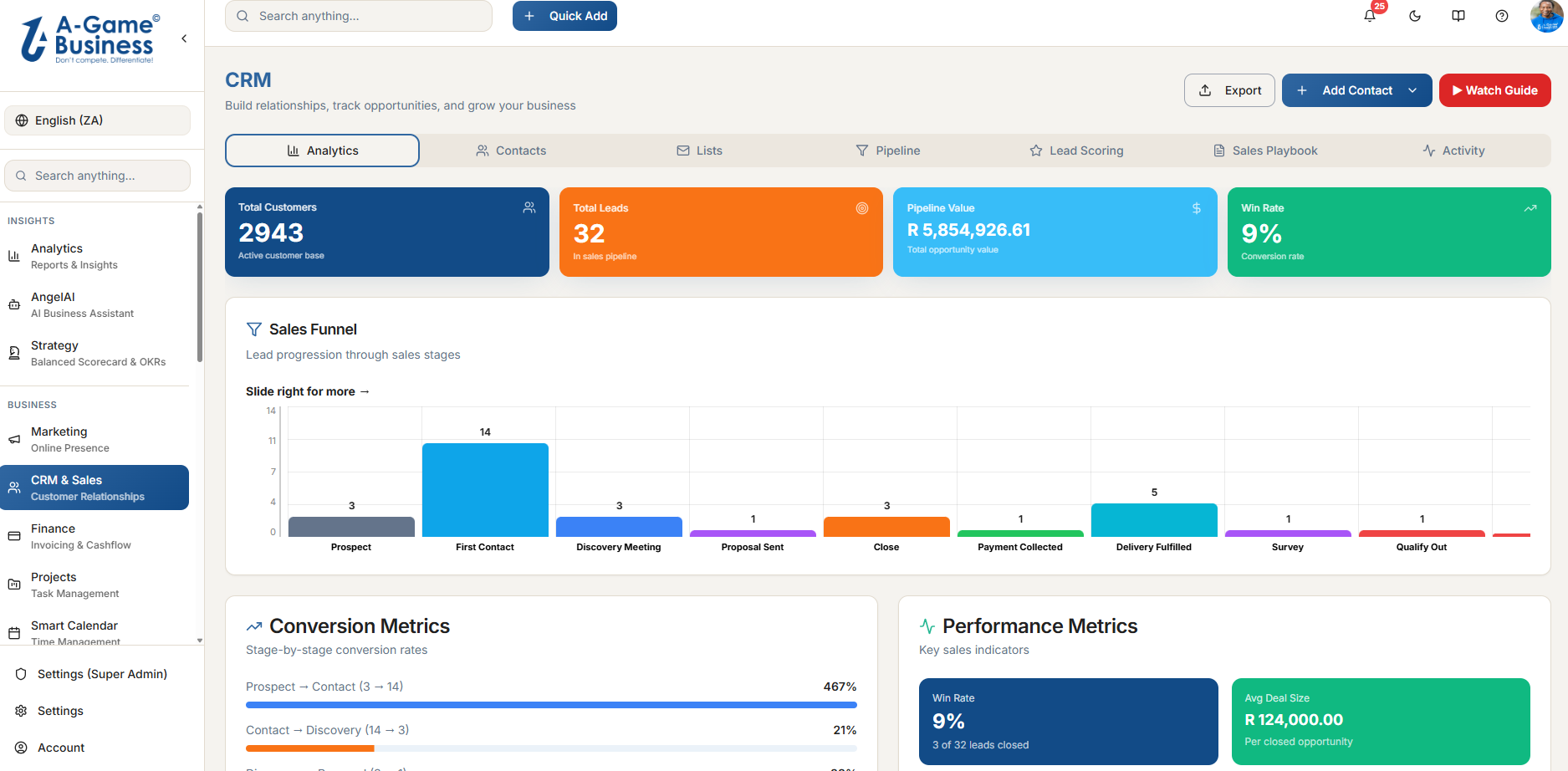
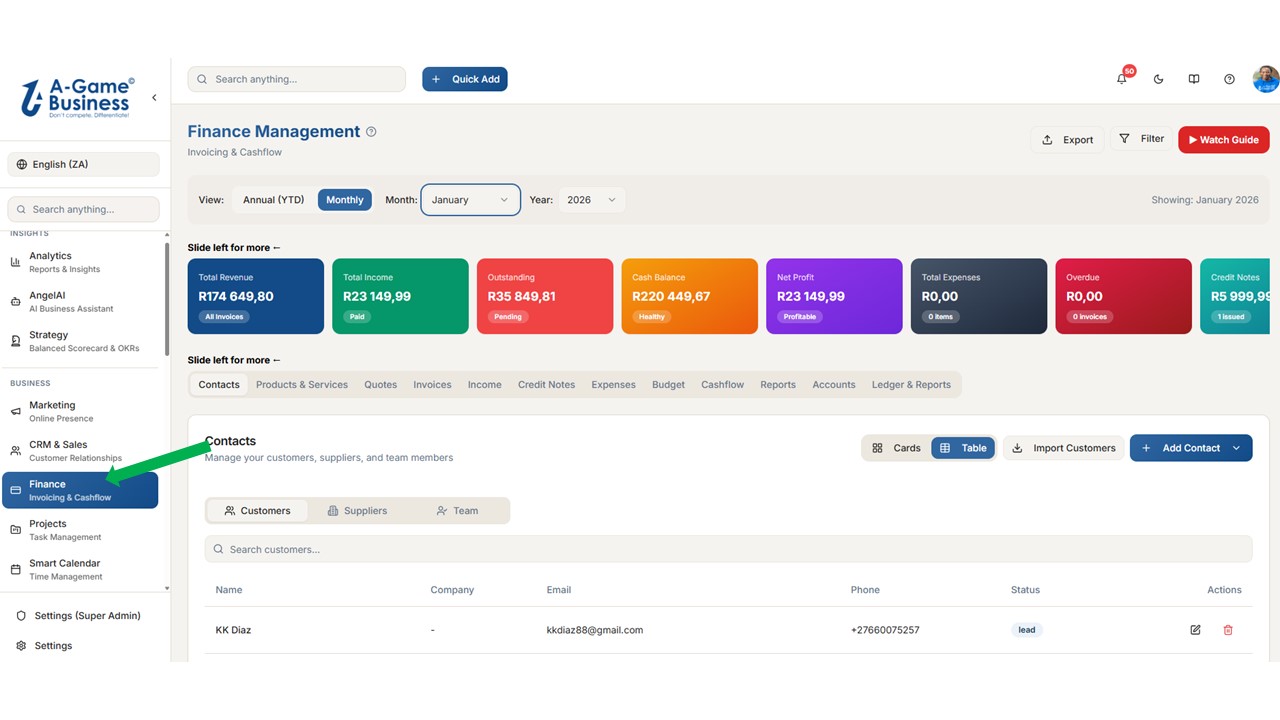
Finance, Invoicing & Quotes
Invoices, quotes, expenses, credit notes and full double-entry accounting — Chart of Accounts, General Ledger, Trial Balance, Profit & Loss and Balance Sheet built in.
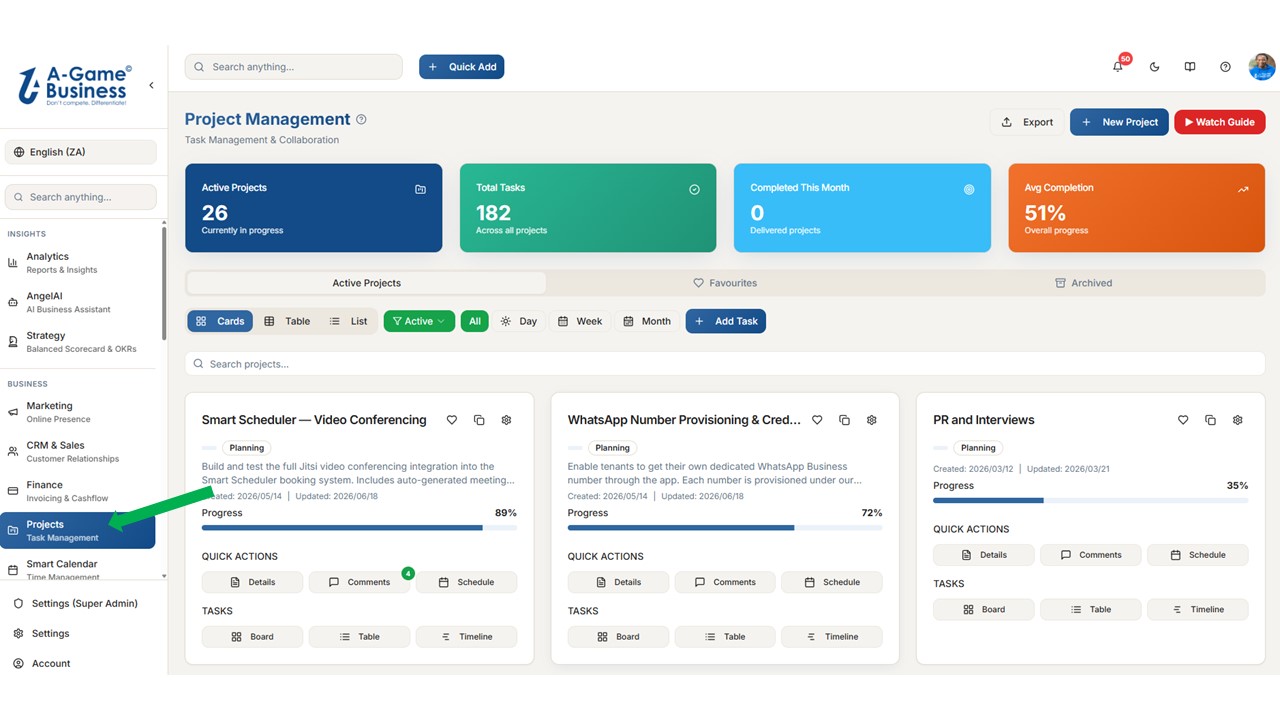
Projects
Run client and internal projects across Cards, Table, List, Kanban Board and Gantt Timeline views — with tasks, milestones, comments, attachments and recurring schedules.
Smart Calendar & Scheduler
One module for your calendar, public booking page, services, analytics and automations.
Digital Pages
Landing pages and link-in-bio pages without leaving the platform.
E-Commerce
Sell products and services online with built-in payments.
Team & HR
Employees, leave, performance and payroll basics.
Inventory
Stock levels, warehouses and reordering.
Manufacturing
Bill of Materials, work orders and production runs.
Messages & Channels
Internal team chat and customer conversations in one inbox.
Call Tracking
Click-to-call, call logs and conversations linked to deals.
Knowledge Base (internal)
Your company SOPs, product info and policies — also used by AngelAI.
Learning
Training courses for your team, tracked in one place.
Books
A curated library of business books and summaries.
Organisation Settings & Account
Manage your team, control module access, configure invoices and quotes, run your billing, and tune your own personal Account preferences. Organisation Settings (/settings) controls company-wide configuration; the Account page (/account) is for your own personal settings.
Role Access & Permissions
Control exactly which modules each role can see and use. Visible to Owner, Admin, and Super Admin only.
Still stuck?
Our team is one click away. Head to support for WhatsApp, quick-start videos, or to log a ticket.
Get Support →